
fbpx

Mountain bike suspension

AI Lazy Setup.

Get starting settings for your fork and shock in seconds. Choose your bike, add your weight and tell SAGLY how you ride.

See plans and pricing
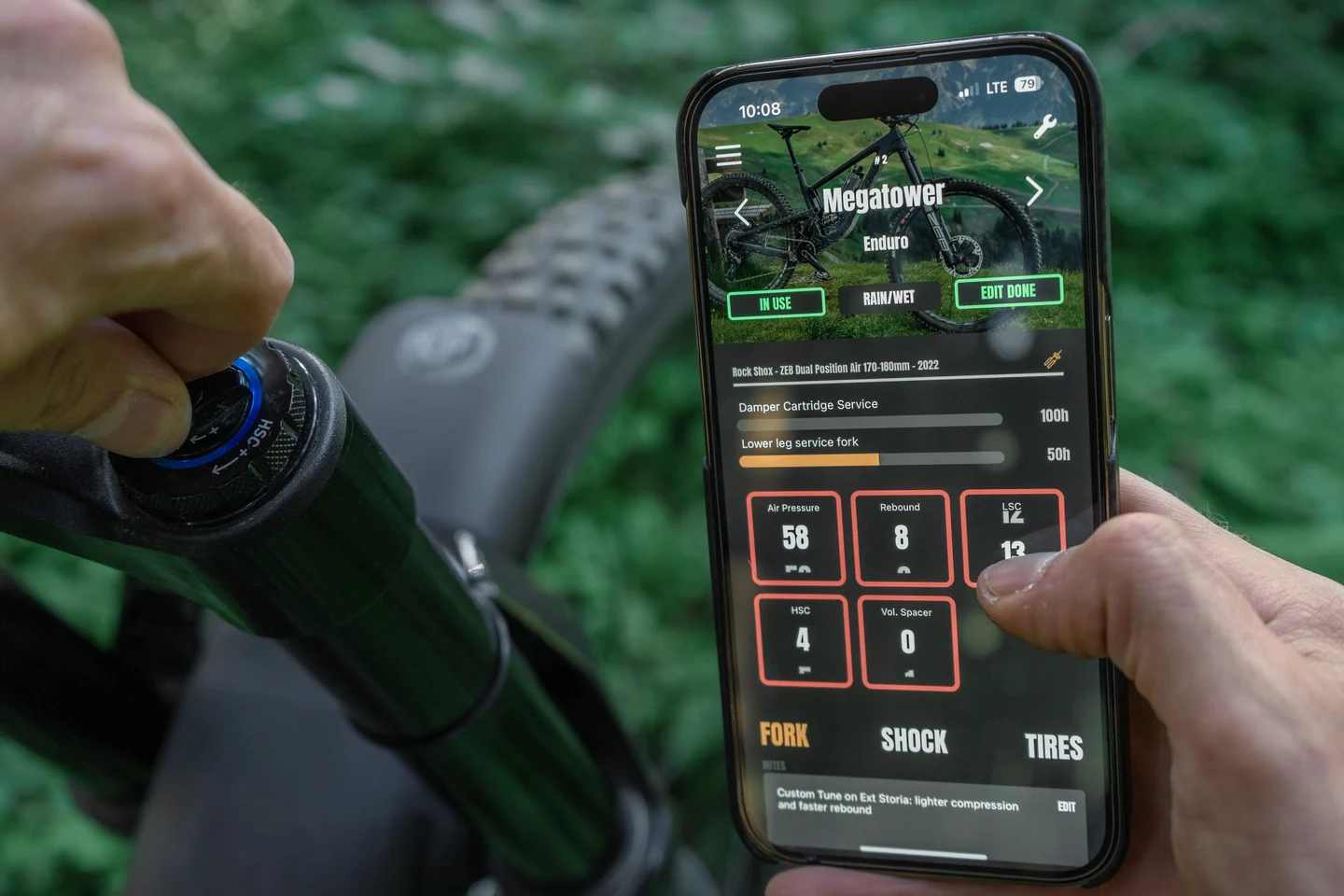
A rider turns the fork adjuster while checking the suspension settings in SAGLY beside the trail.

AI Lazy Setup

Your first setup, step by step.

Your rider profile gives SAGLY your weight and experience. Here’s what happens when you add your bike.

  1. Find your bike by make, model and year.
  2. Confirm the fork and shock you actually ride.
  3. Save your starting settings for the first run.
Explore AI Lazy Setup in three steps
Illustrated bike search result for the 2026 Santa Cruz Heckler SL 90, shown in mustard yellow.
Pick your bike.Search by make and model. This illustrated example uses the 2026 Santa Cruz Heckler SL 90.
Matched suspension for the Heckler SL 90: a 160 mm FOX 36 Float Performance fork and a FOX Float X Performance air shock.
Check your fork and shock.SAGLY fills in the stock parts. Changed yours? You can edit them.
Example result in SAGLY showing fork air pressure of 81 PSI and shock air pressure of 153 PSI.
Get your starting settings.Your pressures depend on your bike and rider profile. These are example values.
The SAGLY app has checked the bike details and is calculating the fork and shock settings. The fork check is complete and SAGLY is checking the shock settings.
SAGLY works out the settings.Your bike and rider profile go into the calculation.

MANUAL SETUP GUIDE

Check your sag.

Your bike
Identify your fork and shock. Save a separate setup for each bike.
Your starting point
Measure sag in the Easy Setup Guide. Factory and AI starting values are also available for supported components.
Your notebook
Keep fork pressure, rebound and compression together. Copy a setup when you want to try a different trail.
Fork sag example
SAGLY shows how to slide the fork O-ring down to the seal.The measured fork sag shown in the SAGLY guide.
Slide the O-ring to the fork seal.This rider measured 20% fork sag.

Fine-tuning

When the fork feels harsh.

Two clicks, one repeat run. See how the rider’s feedback changes their Tuning Score.

Compare the stages of this rebound test

Check your rebound.

The first bump feels fine. By the third, the fork rides lower and the hits feel sharper. The rider checks how quickly the fork returns between bumps.

Fork rebound · Baseline7clicks out from fully closed
Tuning ScoreBefore ride feedback

Test one adjustment.

For this test, the rider opens rebound two clicks, from 7 to 9 out from fully closed. They ride the same braking bumps again and leave the other settings alone.

Fork rebound · Test setting9clicks out from fully closedTwo clicks faster
Tuning ScoreBefore ride feedback

Record how the next run felt.

The fork recovered between hits. The rider logs “Slightly better” in SAGLY. The saved test and positive feedback lift the Tuning Score in this example.

Fork rebound · Test result7 → 9clicks out from fully closed“Slightly better”
Tuning Score+5 points77% before the run

Maintenance

Know when your fork is due.

Connect Strava to track riding hours and distance against your service intervals. When you replace the fork seals, open Reset Service and record the work. SAGLY starts counting towards the next service.

Read the maintenance guide
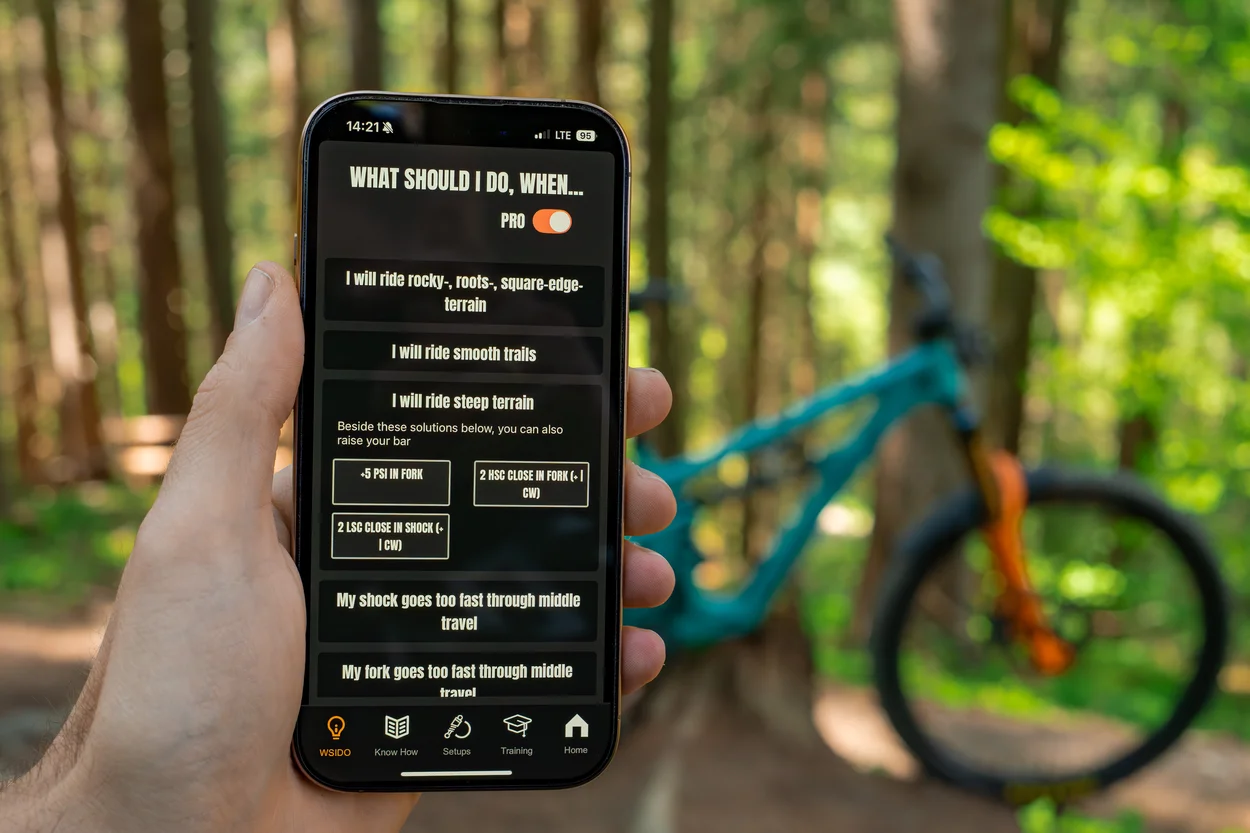

The SAGLY Reset Service screen for fork oil seals, photographed beside a mountain bike on the trail.
Resetting the oil-seal service interval in SAGLY.
A mountain biker leans the bike into a dirt corner in Leogang.

Mountain bike training

Carry speed through the turn.

Pick a skill you want on the trail. For cornering, watch the drill, ride the same turn a few times, then film a pass. SAGLY has more than 80 progression steps to help you build one skill at a time.

Off the bike

MTB workouts

Train for more bike-park laps, better stability or less arm pump. Follow the exercise demos, starting with this squat from a SAGLY gym session.
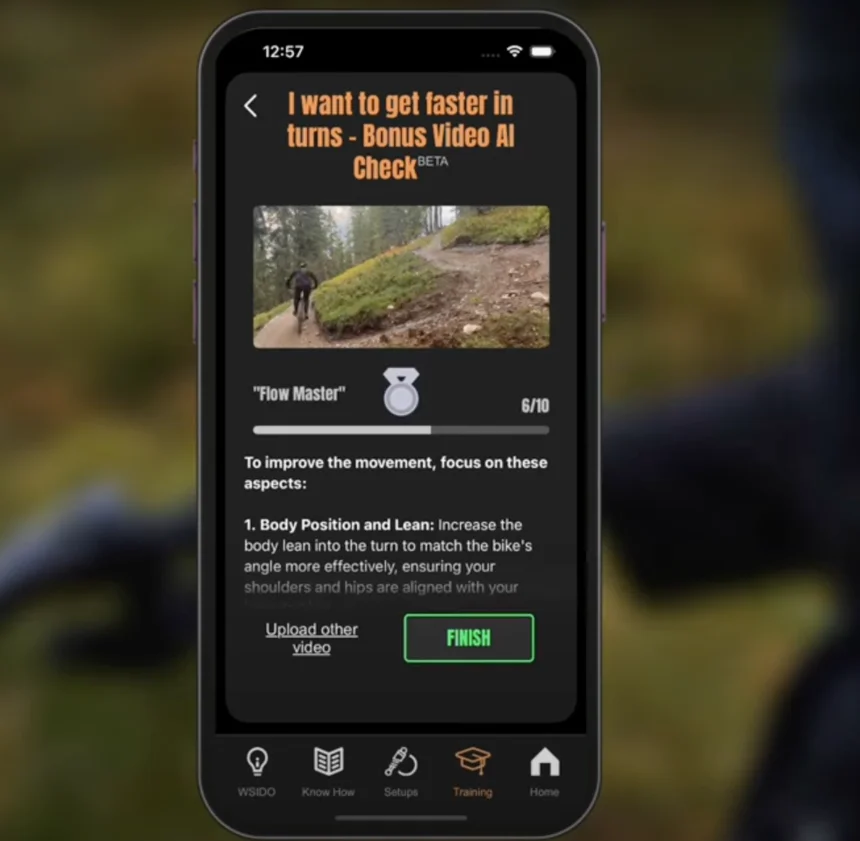
The SAGLY AI Video Coach gives a cornering clip 6 out of 10 and feedback on body position and lean.

On the bike

Interactive AI Video Coach

Upload a clip of a supported drill. See your rating and a specific cue for your next attempt. In this turn, the coach picks out the rider’s body position and lean.

Pricing

Free, PRO and PRO+.

Free

Add your bike and save your starting settings. Download SAGLY for free on iOS or Android.

PRO

For riders focused on the bike. Get more suspension setup and maintenance tools.

PRO+

For riders working on technique as well as setup. PRO+ adds access to guided training beyond the introductory steps.

You can also buy an AI setup credit separately. Open the app to see the price in your currency, the billing period and what each option includes.

Scroll to Top
Cookie Consent Banner by Real Cookie Banner